 Relay Publish
The short answer
Use one workspace per creator or brand. Check its source, destination accounts and rules. Switching workspaces should not be confused with disconnecting every account or revoking platform permissions.
1. Give each workspace a clear purpose
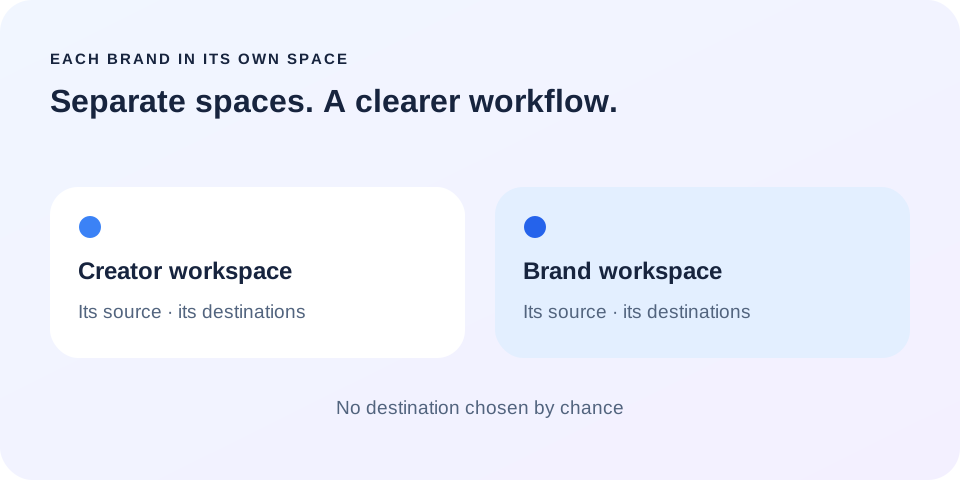
A workspace groups content and accounts that belong together. Keep your creator activity in one space and a client brand in another, for example. Choose names you can recognize immediately rather than generic labels such as account 1 or new. The name should help you make a decision before you open the details.
This separation makes destination checks easier. It does not replace access granted by each platform or your agreements with the people whose content you manage.
2. Check identity while connecting
Before connecting, check which profile is active in the browser and which Relay workspace is open. A network authorization screen may show a personal profile even when the final destination is a Page or channel. Read both steps instead of relying only on a familiar profile picture.
After connecting, check the displayed identity and exact destination. If several Pages are authorized, select the one for the intended brand. Do not keep the first Page simply because it appears at the top.
3. Make the rule understandable in one sentence
You should be able to describe your rule like this: new videos from this source go to these accounts. Say the actual account names as you review it. If you hesitate, check the configuration again before turning on automatic publishing. A simple rule is easier to maintain than a large uncertain list.
Start with a few destinations and a test video whose rights you control. Verify the outcome, then add other available networks. The approval workflow helps while you are learning the setup.
4. Switch spaces without rebuilding every connection
Switching workspaces means working in a different context. It is not a request to revoke authorizations in the previous workspace. In Relay, check the active space in settings before adding another account or changing a publishing rule. Keep existing connections separate from the new setup.
A connection can still expire independently of a workspace switch. If a network requires reconnection, address that account in the correct space. An old authorization window should not become a shortcut to connect a different client.
5. End with the outcome, not the send button
After sending, open the publication details and check the destination and final link when available. Distinguish detected, sent and published: pressing the start button is not confirmation from the network. This final review is particularly useful when several brands use similar account names or visual identities.
Relay aims to make the path between workspaces, sources and tracking clearer. The public app is in preparation; current capabilities are described on the website. Join the waitlist for a method that reduces repetition without removing the creator’s or manager’s responsibility.
Put this into practice with Relay
Choose an authorized Instagram source, your destinations and whether to approve each video before publishing. Check compatibility before joining: the public iPhone app is in preparation.
Before you move on
- Name workspaces after each creator or brand.
- Verify identity and the final Page or channel.
- Review the rule before enabling it.
- Check outcomes in the correct workspace.
Practical guidance, not a promise of reach. Examples are illustrative. The Relay Publish public app is in preparation; platform access and permissions remain required.